
Imagine waking up tomorrow to find your digital assets gone. Not because of a market crash or a hack, but because you lost a piece of paper or forgot a string of words. It sounds dramatic, but it happens more often than you think. A 2025 study by the ACM found that only 43.4% of surveyed crypto users could correctly identify a seed phrase image when shown one. Even worse, about half of those respondents thought they could reset their recovery phrase like a Netflix password. They couldn't be more wrong.
In self-custody crypto, you are your own bank, but you also have no customer support hotline to call if you lose your keys. If you misplace your backup, your Bitcoin, Ethereum, or Solana is effectively burned. This guide breaks down exactly how to back up your wallet so you never face that nightmare. We’ll cover what a seed phrase actually is, why paper backups fail, and how to test your recovery plan before you need it.
What Are You Actually Backing Up?
First, let’s clear up a common misconception. Your crypto doesn’t live in your wallet app. It lives on the blockchain. The wallet is just a keyring. When you back up your wallet, you aren’t copying coins; you’re saving the private keys that prove ownership. For most modern wallets, this means backing up a BIP-39 mnemonic, which is a sequence of 12 or 24 random words generated from cryptographic entropy. These words are not arbitrary; they are mathematically linked to every address your wallet has ever created or will ever create.
If you use a hardware wallet like Ledger or Trezor, or a software wallet like MetaMask, this phrase is your master key. Anyone who gets these words can drain your funds instantly. Conversely, if you lose them, you lose access forever. There is no "forgot password" button for a seed phrase. Some advanced setups use SLIP-39, which splits your secret into multiple shares, requiring a threshold (like 3 out of 5) to recover. But for the vast majority of users, mastering BIP-39 is step one.
The Golden Rules of Physical Storage
So, where do you put these words? The biggest mistake people make is going digital. Never take a photo of your seed phrase with your phone. Never save it in a cloud note, email draft, or password manager sync. If your phone is hacked or your cloud account is breached, your crypto is gone. Chainalysis reported that private-key compromises accounted for nearly 44% of stolen crypto in 2024. Digital copies are easy targets.
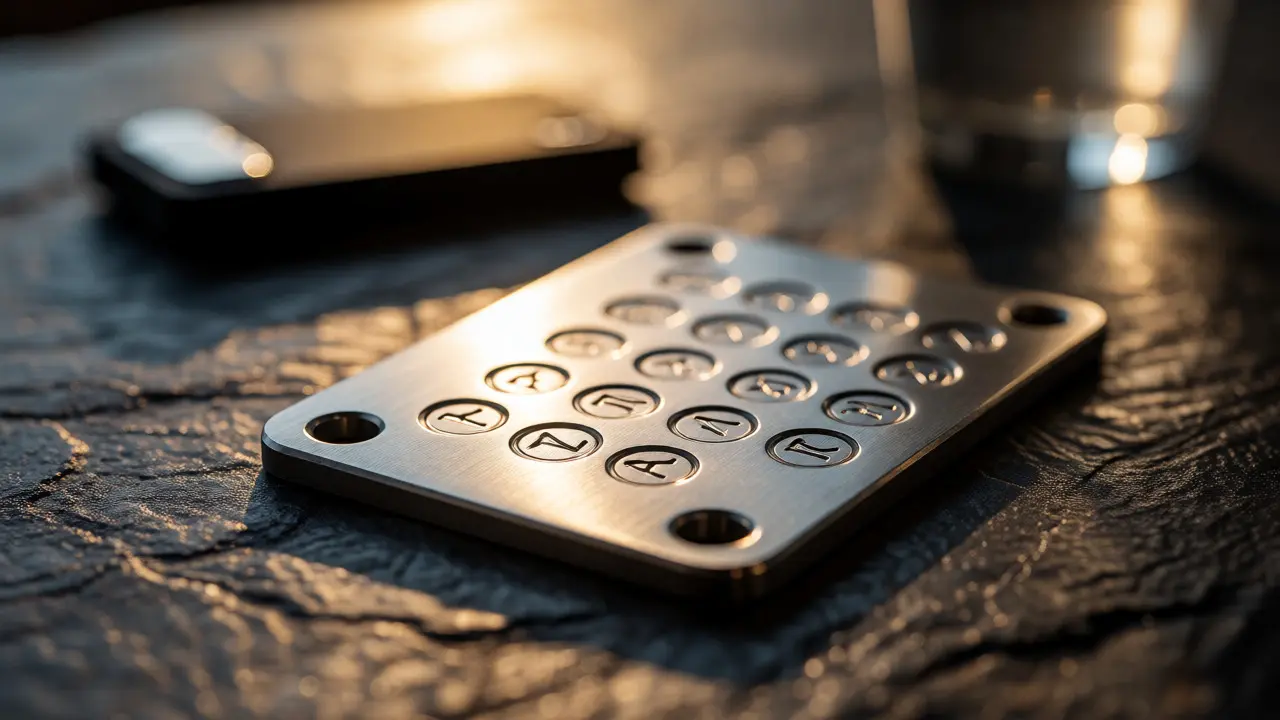
Instead, go analog. Write the words down on paper, then consider upgrading to metal. Paper burns in a house fire and dissolves in a flood. Stainless steel plates, such as those made by Billfodl or Cryptosteel, resist extreme heat and water. But even metal isn’t enough if you keep all your copies in the same place. If your house burns down, both your paper and metal backups might be destroyed.
- Rule #1: Keep at least two physical copies in geographically separate locations. One at home, one at a bank safety deposit box or a trusted family member’s house.
- Rule #2: Verify the spelling and order. A single typo or swapped word renders the entire backup useless.
- Rule #3: Record metadata. Note down which wallet software you used, any passphrase you applied, and the derivation path if you know it.
The Danger of Passphrases
Some users add an extra layer of security called a passphrase, sometimes known as the "25th word." This creates a hidden wallet within your existing seed phrase. If you forget this passphrase, your main seed phrase will restore to an empty wallet, leading you to believe your funds are gone. They aren’t; you just haven’t opened the right door yet.
If you use a passphrase, you must back it up separately from your seed phrase. Do not write it on the same sheet of paper. If someone finds your seed phrase but not your passphrase, they see an empty wallet. If they find both, they have full access. Store the passphrase in a different location than the seed words. This adds complexity, so only use passphrases if you are disciplined enough to manage them.
How to Test Your Backup (The Fire Drill)
A backup you haven’t tested is just a hope. Many people discover their backup is flawed only when they desperately need it. Here is how to run a safe recovery drill without risking your real funds.
- Get a spare device: Use a second hardware wallet or install a fresh copy of your wallet software on a clean computer.
- Restore: Enter your seed phrase into this new setup. Do not type it into your primary device.
- Verify addresses: Check if the first few receiving addresses match the ones in your original wallet. If they match, your backup works.
- Clean up: Wipe the spare device or uninstall the test software.
This process confirms that your written words are correct and that you understand the restoration steps. It also helps you realize if you’ve forgotten a passphrase or selected the wrong network during setup.
Advanced Strategies: Multisig and Inheritance
For larger holdings, a single seed phrase is a single point of failure. Multisignature (multisig) wallets require multiple keys to authorize a transaction, such as 2-of-3. This means you could store one key on a hardware wallet at home, one in a bank vault, and one with a lawyer. No single theft or loss results in total fund loss.
However, multisig recovery is complex. You don’t just need the seeds; you need the wallet descriptor-a file that tells the wallet how to combine those keys. If you lose the descriptor, recovering funds becomes difficult. Always back up the configuration files alongside your seeds. For estate planning, ensure your heirs know how to access these components. A locked safe with unknown codes is just an expensive brick.
| Method | Durability | Security Risk | Best For |
|---|---|---|---|
| Paper Seed | Low (Fire/Water) | Medium (Easy to read) | Beginners, small balances |
| Metal Plate | High (Fire/Water/Corrosion) | Medium (Physical theft) | Long-term cold storage |
| SLIP-39 Shares | Variable (Depends on share storage) | Low (Requires threshold) | Families, high-value custody |
| Cloud/Digital | High (If backed up) | Very High (Hacking risk) | Not recommended for seeds |

Common Pitfalls That Lead to Loss
Let’s look at why people actually lose money. It’s rarely because the blockchain failed. It’s usually human error.
Phishing Scams: Support agents from MetaMask or Ledger will never ask for your seed phrase via email or Discord. If someone asks for it, they are lying. Typing your seed into a fake website drains your funds instantly.
Derivation Path Errors: Different wallets use different paths to derive addresses. If you restore your seed into a wallet that uses a different default path, your balance might show as zero. Don’t panic. Switch networks or adjust the derivation path settings until your funds appear.
Ignoring Imported Keys: If you manually imported private keys into a wallet (common in older setups), restoring the seed phrase won’t bring those specific accounts back. You must back up each imported private key individually.
When Things Go Wrong: Troubleshooting
What if you’ve lost your device but have your seed? Great. Buy a new compatible wallet and restore. What if you lost your seed but still have the device? Immediately create a new wallet and move all your funds to the new seed. Treat the old device as compromised.
What if you have the seed but the wallet shows $0? Check three things: Is the correct network selected (e.g., Ethereum Mainnet vs. Polygon)? Is the correct derivation path chosen? Did you forget a passphrase? If you’re sure everything is correct and the funds are still missing, try importing the seed into a different reputable wallet interface to rule out software bugs.
Final Thoughts on Self-Custody
Owning crypto is empowering, but it comes with responsibility. Your backup strategy is the bridge between convenience and security. Start simple: write down your 12 or 24 words, buy a metal plate, and store it safely. Then, test it. Once you’re comfortable, consider multisig or SLIP-39 if your portfolio grows large enough to justify the complexity.
Remember, in crypto, not your keys, not your coins. And if you don’t have a working backup, you don’t really have your keys either.
Can I recover my crypto if I lose my hardware wallet but have the seed phrase?
Yes. The seed phrase is the master backup. You can purchase a new hardware wallet or use a compatible software wallet, select the "Recover" option, and enter your seed phrase. Your funds will reappear once the wallet scans the blockchain.
Is it safe to store my seed phrase in a password manager?
It is risky. Password managers sync across devices, increasing the attack surface. If your master password is weak or your device is compromised, hackers can access your seed. Physical offline storage is always safer for long-term holding.
What happens if I forget my passphrase?
If you forget your passphrase, you cannot access the hidden wallet associated with it. The standard seed phrase will restore to an empty wallet. Unless you remember the passphrase, those specific funds are likely unrecoverable.
Why does my restored wallet show a zero balance?
This usually indicates a configuration mismatch. Check that you are connected to the correct network (e.g., Ethereum vs. Binance Smart Chain). Also, verify that the derivation path matches the original wallet. Sometimes, adding custom tokens manually is required to see the balance.
Should I use paper or metal for my backup?
Metal is superior for durability against fire, water, and time. Paper is cheaper and easier to write on but degrades faster. For significant amounts, use metal plates. For small, temporary holdings, paper is acceptable if stored carefully.