
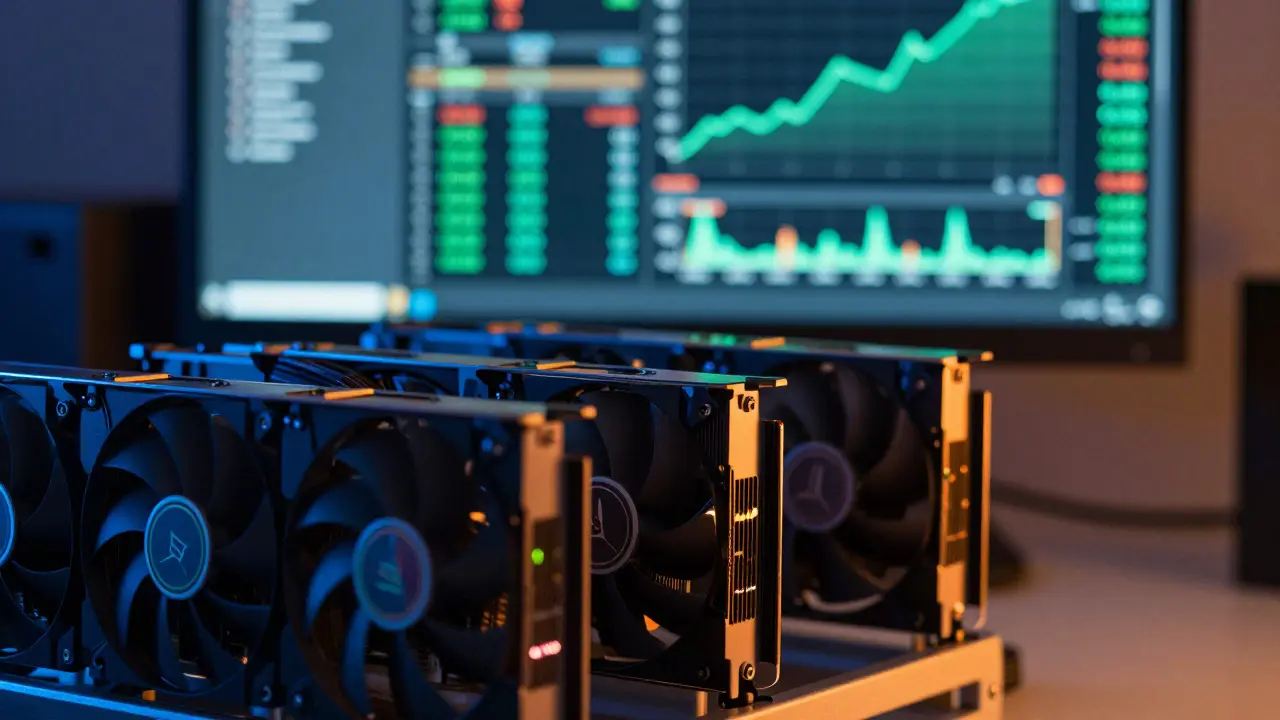
You plug in your rig, watch the fans spin, and hope the numbers on the screen go up. But does that green line actually mean you are making money? Or are you just paying a fancy electric bill to heat your room? This is the question every miner faces before buying hardware or switching coins. The answer isn't found in hype; it is found in the math. Specifically, it is found in a mining profitability calculator is a software tool that estimates cryptocurrency mining revenue by analyzing hardware performance, electricity costs, and real-time network data. Without one, you are guessing. With one, you can see exactly when-or if-your investment pays off.
Let’s cut through the noise. Mining in 2026 is not what it was in 2017. Network difficulty has skyrocketed, and competition is fierce. To decide if mining is profitable for you, you need to understand how these calculators work, which ones are trustworthy, and why your local electricity price is the single most important variable in the equation.
How Mining Profitability Calculators Actually Work
At their core, these tools run a specific formula. They don’t predict the future; they project current trends. Most reliable platforms, like CoinWarz is a proof-of-work mining platform that provides live network data and profitability estimates based on explicit mathematical formulas, use a standard calculation. Here is the breakdown:
- Your Share: Your hash rate divided by the total network hash rate.
- Reward Value: Block reward multiplied by the coin’s current USD price.
- Frequency: Blocks per day (calculated from block time).
- Costs: Electricity cost minus pool fees.
The formula looks like this: Daily Profit = (Your Hashrate / Network Hashrate) × Block Reward × Blocks Per Day × Coin Price × (1 - Pool Fee) - Electricity Cost.
Notice where electricity sits. It is subtracted at the end. This means if your power is expensive, it eats directly into your net profit. Many beginners forget to input their exact kWh rate and instead leave the default low value, leading to wildly optimistic expectations. Always enter your actual rate from your utility bill.
Top Tools for Checking Mining Viability
Not all calculators are created equal. Some update prices every five minutes; others lag behind. Some focus on GPUs, while others specialize in ASICs. Here is how the major players stack up as of mid-2026.
| Tool Name | Best For | Update Frequency | Key Feature |
|---|---|---|---|
| WhatToMine is a comprehensive multi-coin profitability calculator supporting GPU, CPU, and ASIC mining with real-time market data integration | Multi-coin comparison & ROI | Every 5 minutes | Tax estimation & payback period |
| NiceHash is a marketplace for buying and selling hashing power with integrated profitability estimators based on historical payouts | Selling hash power | Real-time (past data) | Historical accuracy for NiceHash payouts |
| CoinWarz | ASIC efficiency analysis | Live | Profit-per-watt rankings |
| Bitmain Miner Profit Calculator is an official vendor tool designed to estimate revenue specifically for Bitmain ASIC devices using current network difficulty | New ASIC buyers | Current difficulty | Device-specific ROI estimates |
WhatToMine remains the industry standard for most users. It connects to aggregators like CoinGecko and Binance, updating coin prices and mining difficulty every five minutes. This speed matters. In volatile markets, a 30-minute delay can make a profitable coin look unprofitable, or vice versa. It also allows you to factor in taxes and calculate the break-even point for your hardware purchase.
NiceHash works differently. Its calculator doesn’t predict future earnings for specific coins. Instead, it shows you what you earned in the past 24 hours on their marketplace. If you plan to sell your hash power rather than mine a specific coin yourself, this is highly accurate. However, do not use it to forecast long-term Bitcoin profits. It reflects immediate market demand for hashing power, not block rewards.
CoinWarz is excellent for technical users who care about efficiency. It ranks ASIC miners by "profit per watt." This metric is crucial because it tells you how much money you make for every unit of energy consumed. If you have high electricity costs, this ranking helps you choose hardware that survives despite the expense.
The Electricity Trap: Why Power Costs Decide Your Fate
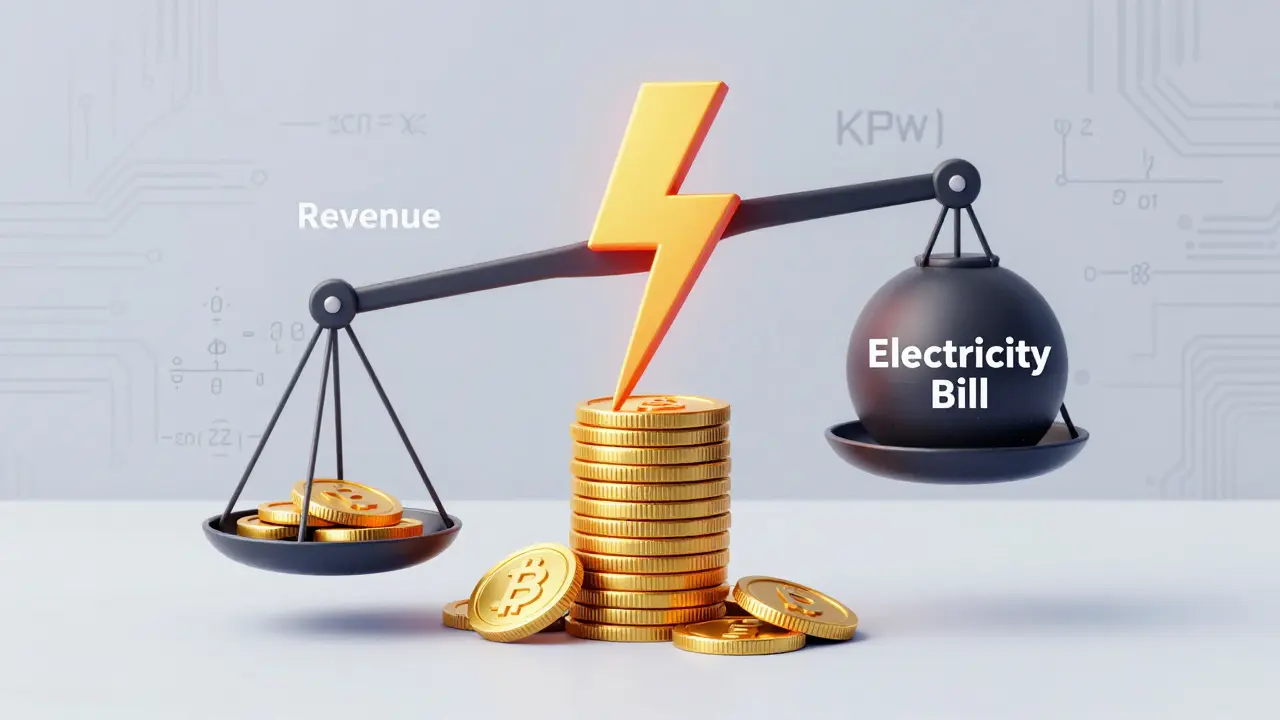
Here is the hard truth: if you pay residential electricity rates, you are likely losing money. In many regions, such as parts of Australia or Europe, residential power can exceed $0.20 per kWh. At that rate, even efficient hardware struggles to turn a profit after the initial hardware cost is recovered.
Consider a scenario. You buy an ASIC miner for $3,000. It consumes 3,000 watts. At $0.20/kWh, your daily electricity cost is roughly $14.40. If your gross revenue is $15.00, your net profit is only $0.60 per day. It would take over eight years to recoup the $3,000 hardware cost. That is not investing; that is renting a heater.
Profitable miners typically access industrial rates, often below $0.05/kWh, or utilize free renewable energy sources. When using a calculator, always test multiple electricity scenarios. Change the rate from $0.10 to $0.05 to $0.01. Watch how the "Net Profit" column shifts. If the number turns red at your local rate, stop there. Do not buy the hardware.
Common Mistakes That Skew Results
Even with the best tools, errors happen. Here are the pitfalls that lead to false confidence:
- Ignoring Pool Fees: Mining pools charge between 1% and 3% for their services. Some calculators assume zero fees. Ensure you input the correct fee percentage for your chosen pool.
- Assuming 100% Uptime: Hardware fails. Internet connections drop. Software needs updates. A realistic model assumes 95-98% uptime. Subtracting 2-5% from your estimated revenue gives a more honest picture.
- Overlooking Difficulty Spikes: Network difficulty adjusts regularly. If many new miners join, difficulty rises, and your share of the reward shrinks. Calculators use current difficulty, but if a large farm comes online tomorrow, your projections become obsolete. Check the difficulty trend chart, not just the current number.
- Vendor Bias: Manufacturer calculators, like Bitmain’s, are useful for quick checks but may assume optimal conditions. Always cross-reference with independent tools like WhatToMine or CoinWarz to verify the numbers.
Is GPU Mining Still Viable?
With Ethereum moving to Proof-of-Stake, GPU mining shifted to alternative coins like Ravencoin, Ergo, and Kaspa. These coins are less stable and often more volatile. WhatToMine’s GPU tables help here by showing which algorithm is currently most lucrative for your specific cards.
If you own RTX 30-series or 40-series cards, you might still find marginal profits. However, the margins are thin. One Reddit discussion from 2024 highlighted that even powerful CPUs yielded only cents per month after electricity costs for Monero mining. For GPUs, the situation is similar unless you have very cheap power. The key is flexibility. GPU miners must be ready to switch algorithms instantly when profitability shifts. ASIC miners cannot do this easily.
Next Steps for Aspiring Miners
Before spending a dollar, follow this checklist:
- Identify Your Hardware: Know the exact hash rate and power draw (watts) of your device. Overclocking changes both values.
- Find Your Real Electricity Rate: Look at your last bill. Include any standing charges if applicable.
- Run Three Scenarios: Use WhatToMine for general overview, CoinWarz for efficiency checks, and NiceHash if you plan to sell hash power.
- Calculate Payback Period: Divide the hardware cost by the daily net profit. If the result is more than 12-18 months, the risk is too high given hardware depreciation.
- Monitor Trends: Don’t just check once. Monitor difficulty and price trends over a week. Volatility kills static plans.
Mining is no longer a get-rich-quick scheme. It is an engineering challenge focused on efficiency and cost management. Use these calculators as decision-making aids, not guarantees. If the math doesn’t work today, it won’t magically fix itself tomorrow.
Which mining profitability calculator is the most accurate?
There is no single "most accurate" calculator because they all rely on different assumptions. WhatToMine is widely considered the most comprehensive for multi-coin comparisons due to its 5-minute update cycle. NiceHash is most accurate for predicting payouts if you sell hash power on their platform. For ASIC efficiency, CoinWarz provides detailed profit-per-watt metrics. Best practice is to cross-check results across at least two independent tools.
Can I make money mining with my home computer?
It is unlikely to be profitable if you pay standard residential electricity rates. Home PCs generally lack the efficiency of dedicated ASICs or high-end GPUs. Unless you have access to extremely cheap electricity (under $0.05/kWh) or free power, the electricity cost will likely exceed the mining revenue. It may be enjoyable as a hobby, but do not expect significant financial returns.
Why do different calculators show different profits for the same hardware?
Discrepancies arise from differences in update frequency, assumed pool fees, tax calculations, and whether the tool uses current network difficulty or an average. Some tools, like NiceHash, reflect past performance on their specific marketplace, while others like WhatToMine project future earnings based on live market data. Always check the underlying assumptions and settings in each tool.
How does electricity price affect mining profitability?
Electricity is the primary ongoing cost in mining. A small change in kWh rate drastically impacts net profit. For example, increasing your rate from $0.05 to $0.10 per kWh can cut your daily profit in half or turn a profit into a loss. Efficient hardware (high hash rate per watt) mitigates this slightly, but low electricity costs remain the biggest advantage for successful miners.
Should I trust the manufacturer's profitability calculator?
Manufacturer calculators, such as Bitmain’s, are useful for quick estimates but should be treated with caution. They may assume optimal conditions, lower pool fees, or ideal temperatures. Independent third-party calculators like WhatToMine or CoinWarz provide a more neutral perspective. Always cross-reference vendor figures with independent sources to avoid overly optimistic expectations.
10 Responses
Look, I get the hype around crypto but let's keep it real here. If you are paying residential rates in the US, you are literally burning cash to heat your basement. I tried this back in 2018 and my electric bill was a nightmare. Don't fall for the 'passive income' trap unless you have industrial power connections. It is just not worth the stress or the noise from those fans.
The fundamental misunderstanding among retail participants lies in the misapplication of the profit-per-watt metric without accounting for thermal dissipation costs and grid instability variables. One must consider that the hash rate efficiency is merely a theoretical maximum under ideal laboratory conditions which rarely translate to home environments. Furthermore, the latency introduced by residential ISP connections can significantly impact share submission success rates thereby reducing overall profitability margins beyond what standard calculators like WhatToMine predict. It is imperative to utilize advanced stochastic modeling rather than relying on simplistic linear projections provided by vendor-biased tools.
its all rigged man. the difficulty adjusts because they want you out. big miners control the network and make sure small guys lose money. dont buy any hardware its a scam designed to keep us poor while they get rich off our electricity bills. wake up sheeple
we seek truth in numbers yet we ignore the silence between them. mining is meditation with wires. the machine breathes and we listen. if it does not sing then perhaps we should not force it to speak. the calculator is a mirror showing only what we wish to see. look deeper into the void of the ledger
You people are missing the point entirely. The article says check your electricity but nobody reads past the first paragraph. Also WhatToMine is outdated garbage compared to newer platforms that actually account for dynamic difficulty spikes in real time. Stop using tools from 2017 when we are in 2026. It is pathetic how everyone follows the herd instead of doing their own due diligence on emerging algorithms.
In France we have a different perspective on energy consumption due to our nuclear infrastructure providing relatively stable and lower-cost electricity compared to other European nations. However even here the margins are incredibly tight for GPU mining specifically. I have spoken with several local miners who switched to staking because the hardware depreciation was eating their profits alive. It is a fascinating engineering challenge but financially it often feels like a losing battle against centralized farms.
I appreciate the detailed breakdown of the formula provided in the post. It is crucial for individuals to understand that electricity cost is subtracted at the end of the calculation which means it directly impacts net profit. Many beginners overlook this critical detail and assume gross revenue equals profit. Please ensure you input your exact kWh rate from your utility bill to avoid unrealistic expectations. Cross-referencing multiple calculators as suggested is indeed the best approach for accurate estimation.
I completely understand why so many people feel overwhelmed by these calculations because there are so many moving parts involved including pool fees and difficulty adjustments which can change daily. It is really important to take your time and run multiple scenarios before investing any money into hardware that might become obsolete quickly. Have you considered looking into community mining pools where you can share resources with others to potentially lower individual overhead costs? I found that joining a supportive group helped me learn more about efficient cooling methods which ultimately saved me quite a bit on my electricity bill over time.
From an Indian perspective the volatility of local currency exchange rates adds another layer of complexity to mining profitability that Western calculators often fail to address adequately. When you convert your earnings from USD to INR the fluctuating forex rates can easily wipe out any marginal gains achieved through efficient mining operations. Additionally the regulatory uncertainty surrounding cryptocurrency in India makes long-term planning extremely difficult for serious investors who need stability rather than speculative gambles. Always factor in potential tax implications which are notoriously complex here.
oh wow another article telling people to do basic math like we are all idiots. honestly i laugh at those who think they can compete with massive industrial farms using their little desktop pcs. its cute really. but yeah go ahead plug in your rig and watch your wallet shrink while you pretend to be a tech genius. maybe stick to buying coins instead of trying to mine them like some amateur hour operation